Our latest update makes live TV rock-solid, gives installs a brand-new screen, and refreshes the Chainlab look.
Live channels now play through a more reliable engine. In multi-channel testing across news, sports and kids channels, stalling dropped to zero wherever the channel itself was healthy.
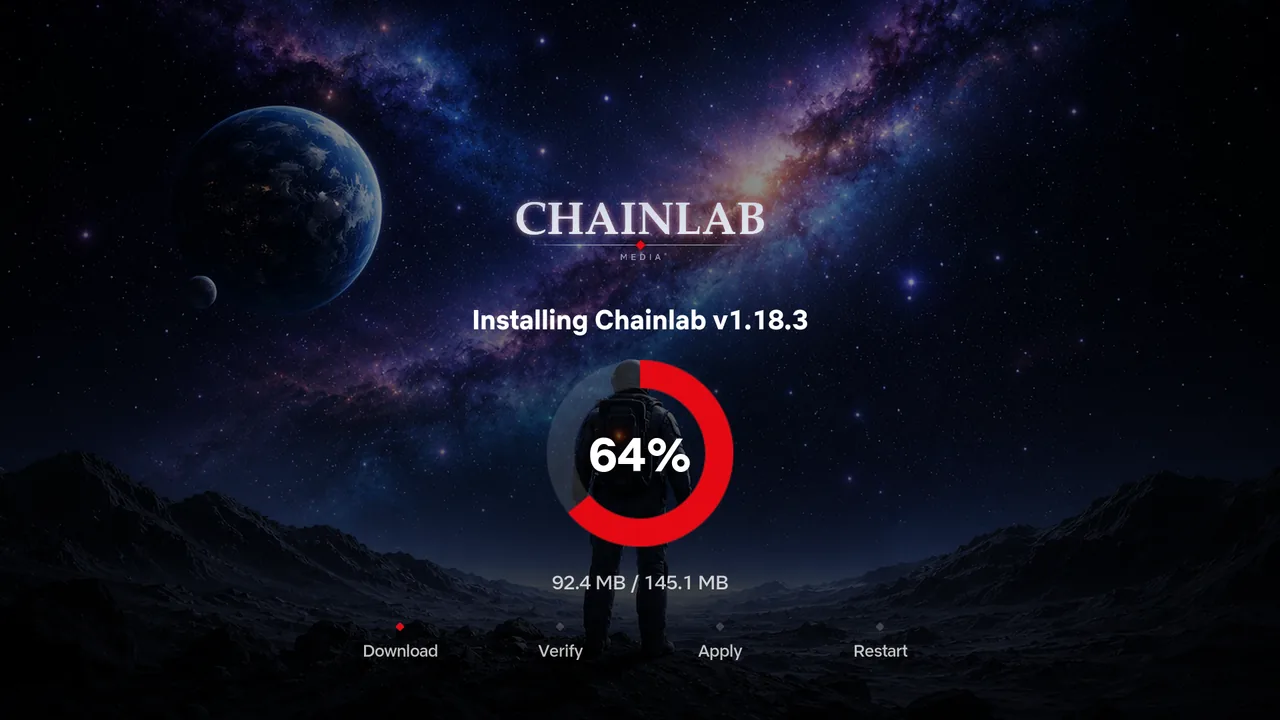
Updating is now one full-screen, branded experience — a progress ring and four clear stages (Download, Verify, Apply, Restart) instead of a stack of pop-ups and a black screen while it works.
The Chainlab mark has been redrawn and now sits cleanly over any artwork, anywhere on the box.
Your box will let you know when the update is ready — you'll see a notification and an "Update Available" button.
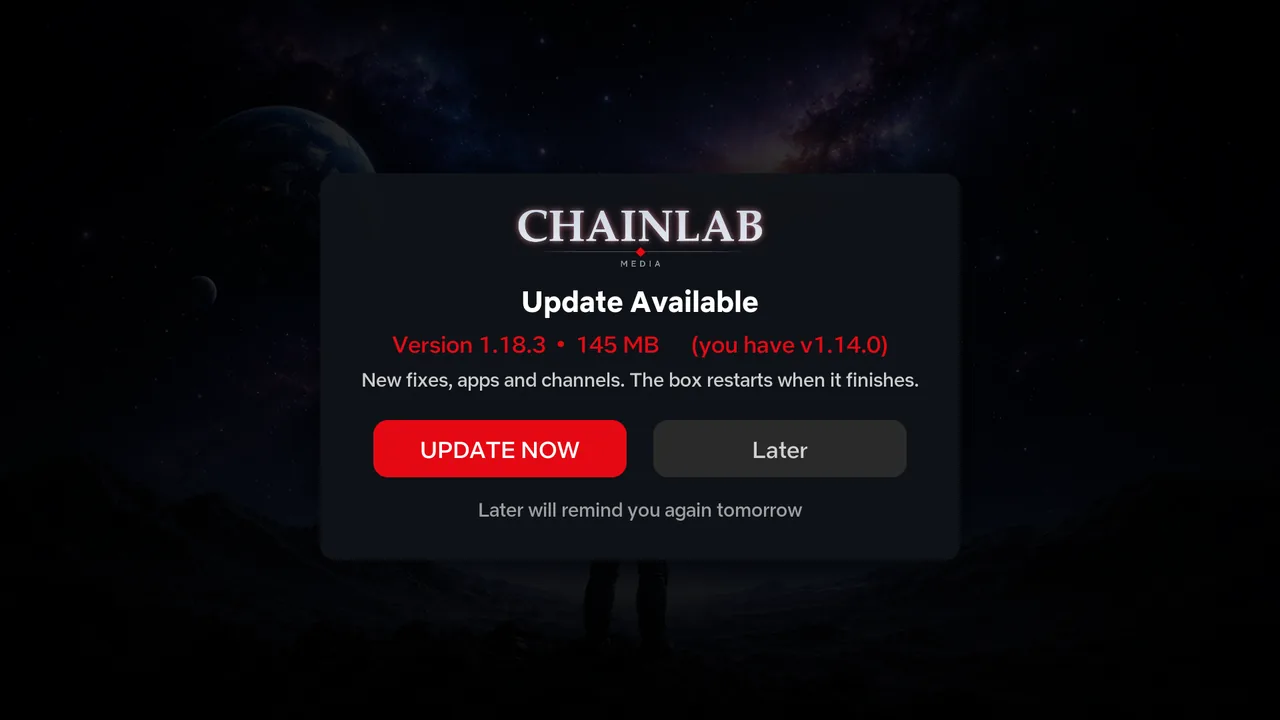
Click it. The update installs itself and your box restarts automatically (about a minute).
Done! No cables, no computer, nothing to plug in.
Live TV buffering fix, refreshed Chainlab logo, and the new full-screen install experience.
Live TV components now reinstall themselves automatically after an update, so the Guide is never empty when your box comes back up.
A fresh modern look — redesigned pop-ups and notifications, a new full-screen update screen, and an on-screen update prompt.
Faster startup, smoother TV guide loading, and a smaller, cleaner update (30% smaller download).
The complete fix for random audio loss, plus the one-tap "No audio?" tool in Settings.
World TV: every channel now carries TV guide data, with freshly verified streams. Smoother updates and general tidy-up.
World TV launch, smoother updates and restarts, and background self-checking and self-healing.